

Modding the server to make it more quiet.
## Or what did you do on your vacation? ##
Today i have my “server corner” in my living room. It’s not that big of a deal but i have an home office i could use for my servers instead of the living room. But the “problem” is the high fan sound of the Dell T710 server. (or i had, i have modded my server before i wrote the blog post, the server corner is still the setup for now)
During the Corona pandemic i have worked form home (18+ months now) and doing that from my home office. The sound from the Dell T710 makes is impossible to work, if it would be in the home office.
This temporary solution, that have been permanent for a couple of years now, works. But you need to turn up the sound on the TV a little more. But that is soon to change.
Disclaimer:
Do not do this if you feel uncertain regarding soldering or modding your hardware. Warranty voided but the server (for me at least) is so old its not any problem. Also, English is my second language. I’m from Sweden so there might be some grammatical- and spelling errors.
/Disclaimer:
What will be done: Exchange the airflow fans for the system (x4).
What it includes: Research, soldering, testing.
Hardware used: Arctic 92mm F9 fans x4, soldering iron, cutter tool.
Problems on the way:
The PSU fans circulated (spun up, spun down with a 5-10 sec interval).
Solution:
Removed the “blue” cable as for the Reddit post (link, thanks Internet!) : https://www.reddit.com/r/homelab/comments/59mp41/dell_poweredge_t610_fans/
Quote below form the Reddit post:
For anyone that comes across this post in the future, the Arctic fan cables use Black, Yellow, Green, and Blue cables. The NMB-MAT fans use Black, Red, Blue, and Yellow. Solder black-black, red-yellow, and yellow-green. Don’t use the blue cables at all. The fans will run at full speed (1800RPM), but will not make any errors pop up. If you do try to use the blue cables, the fans will change speed from 700RPM-1500Rpm every couple seconds, causing the system to think something is wrong and make the power supply fans spin up and be really loud.
I followed this Youtube tutorial:
https://www.youtube.com/watch?v=KEixaWwnHcY&t=1132s
With a modification. I will explain all steps i have done in this blog post.
So with that over and done with… Lets start.
The “hack”
For me step one was to shut down the server and remove the fans. Those are located at the back of the server. I got these fans that was recommended for it quite a while back. Do not remember from where now. It’s the 92mm version.
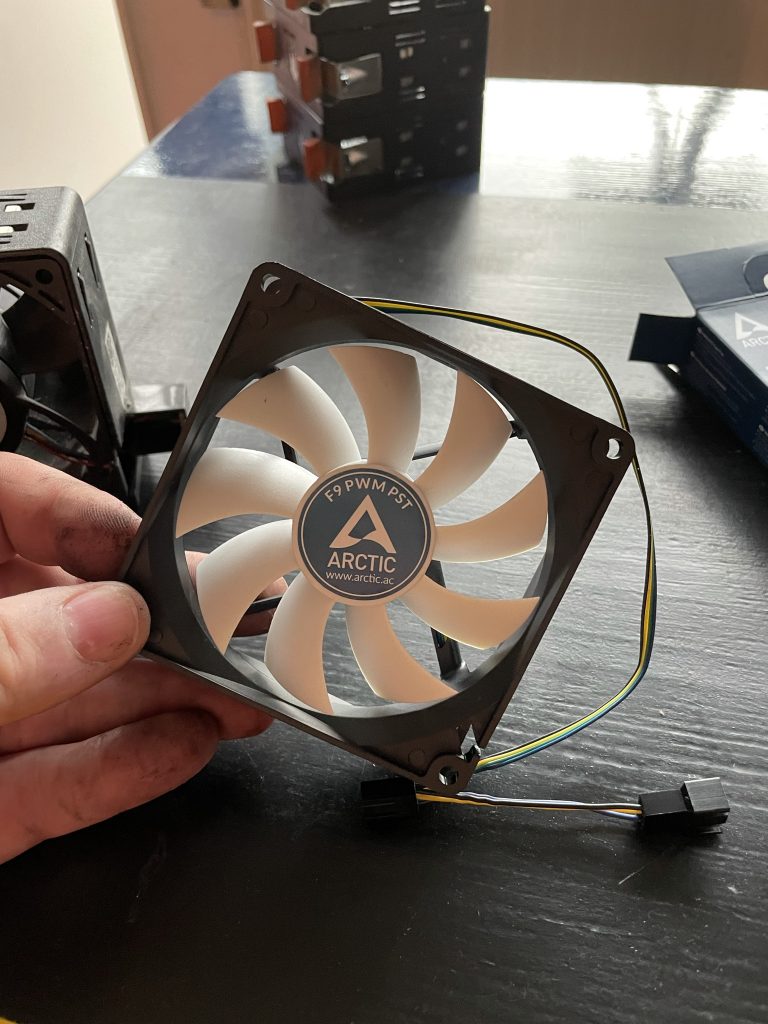
So the first “problem” is that the original fan have dell specific contacts. This means we need to solder these together.
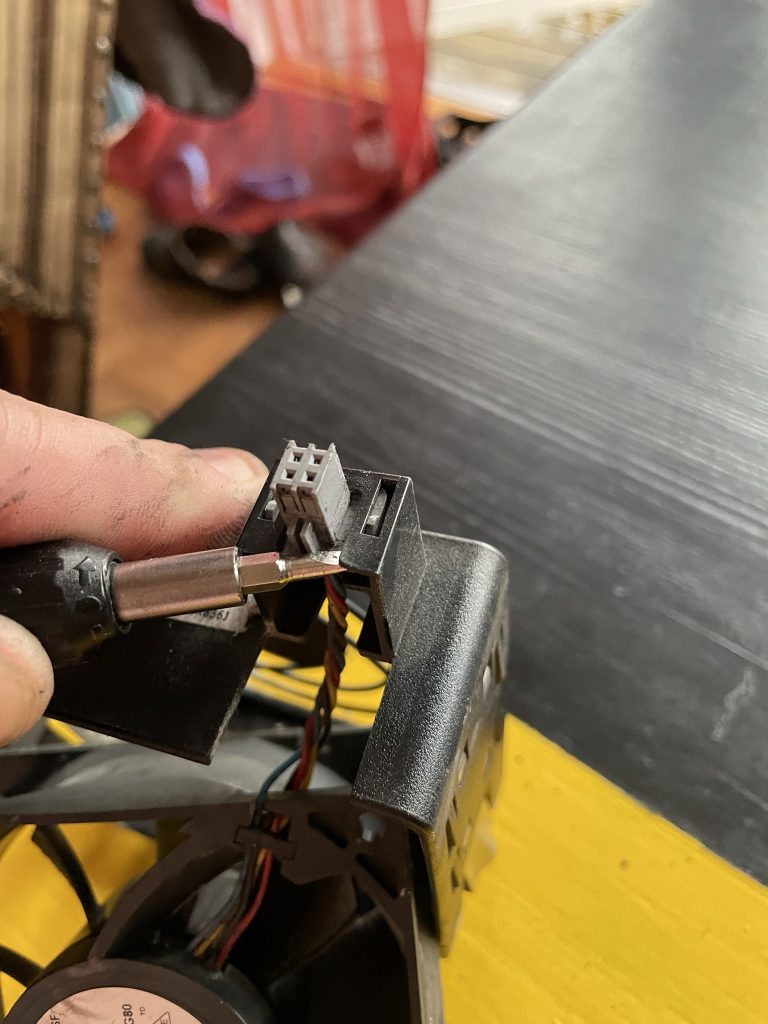
But first how to remove the original fan from the casing.
Step one remove the contact.
I did this with some slight force to release the “hocks” on the contact itself. Note the position of the contact. The “lines” pointing upwards.
Step two is to remove the fan itself. This by bending the two “handlebars” out.
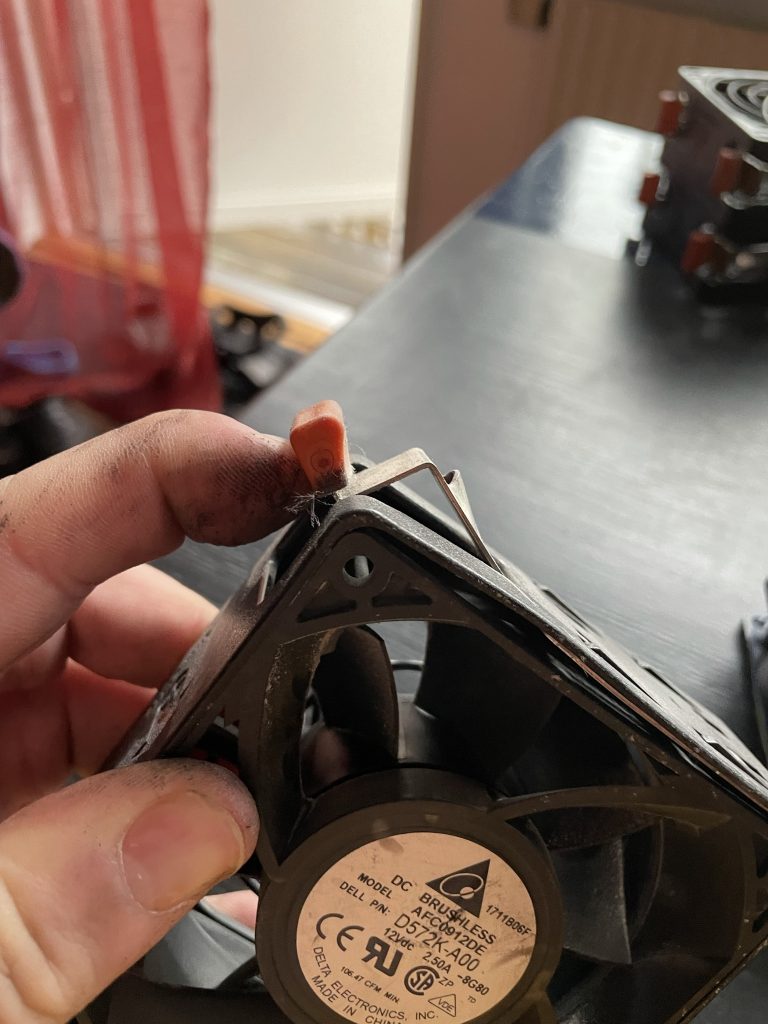
I needed to push them out outside the casing to “pop out” the fan.
All the fans are out.
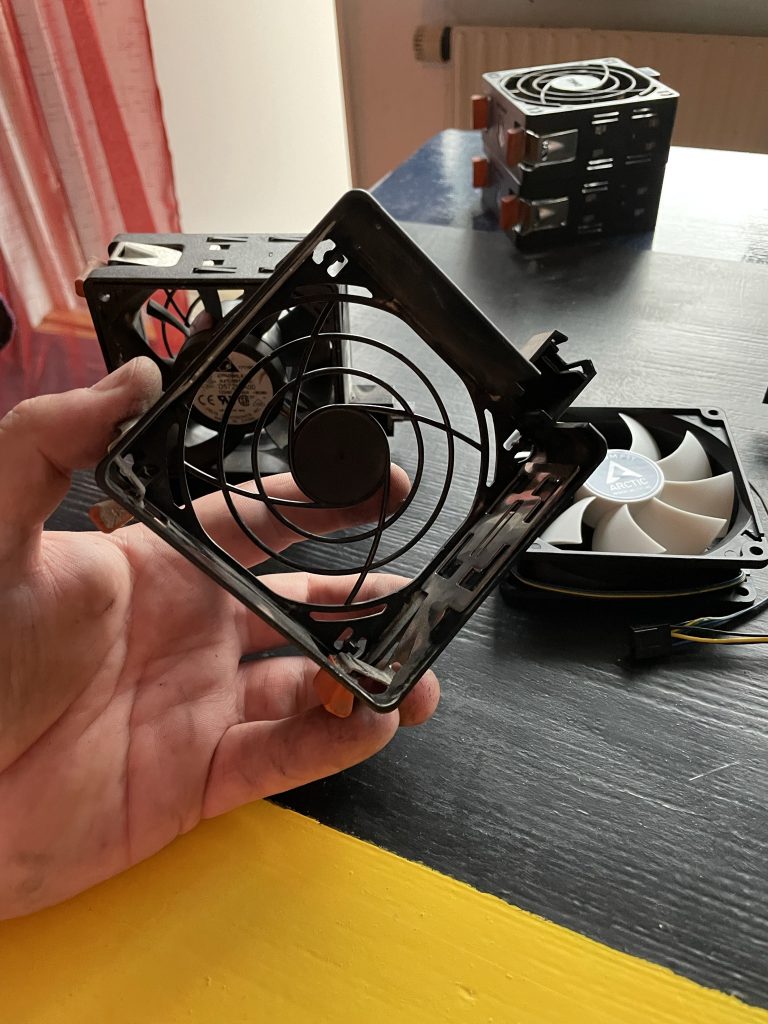
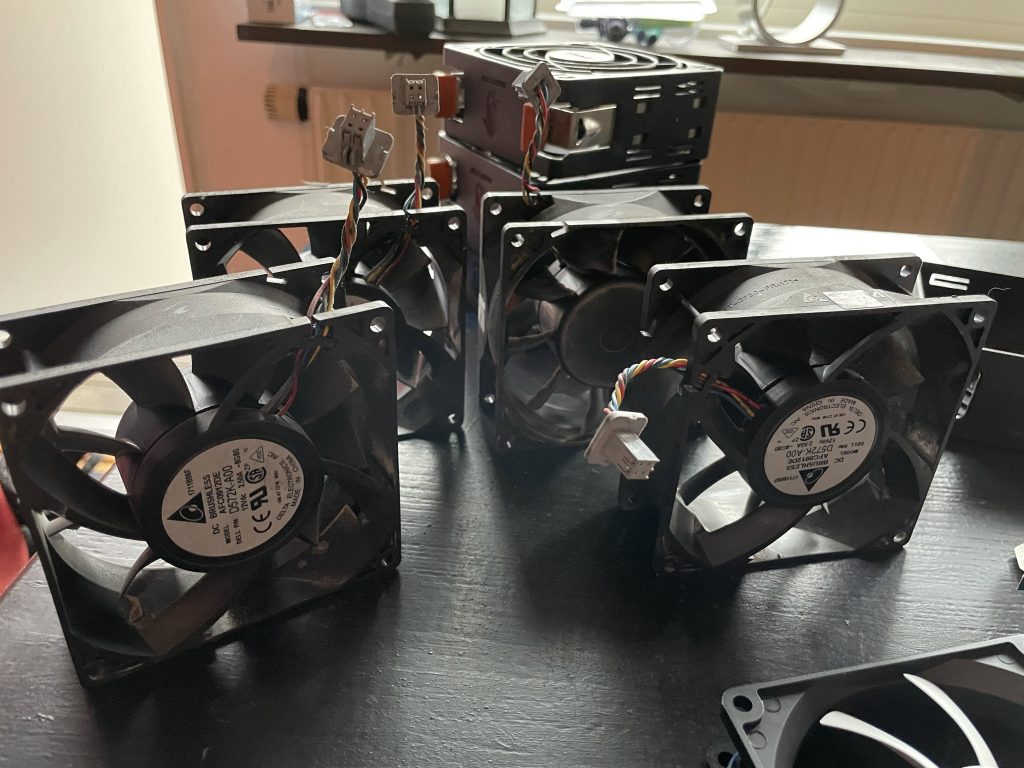
Soldering:
Cut the cables, for the old fan i cut them far from the contact and towards the center / engine of the fan.
For the new fan i cut the cables a few centimeters from the contact(s) on that side. I.e. 4-5 centimeters from the end of the cable.
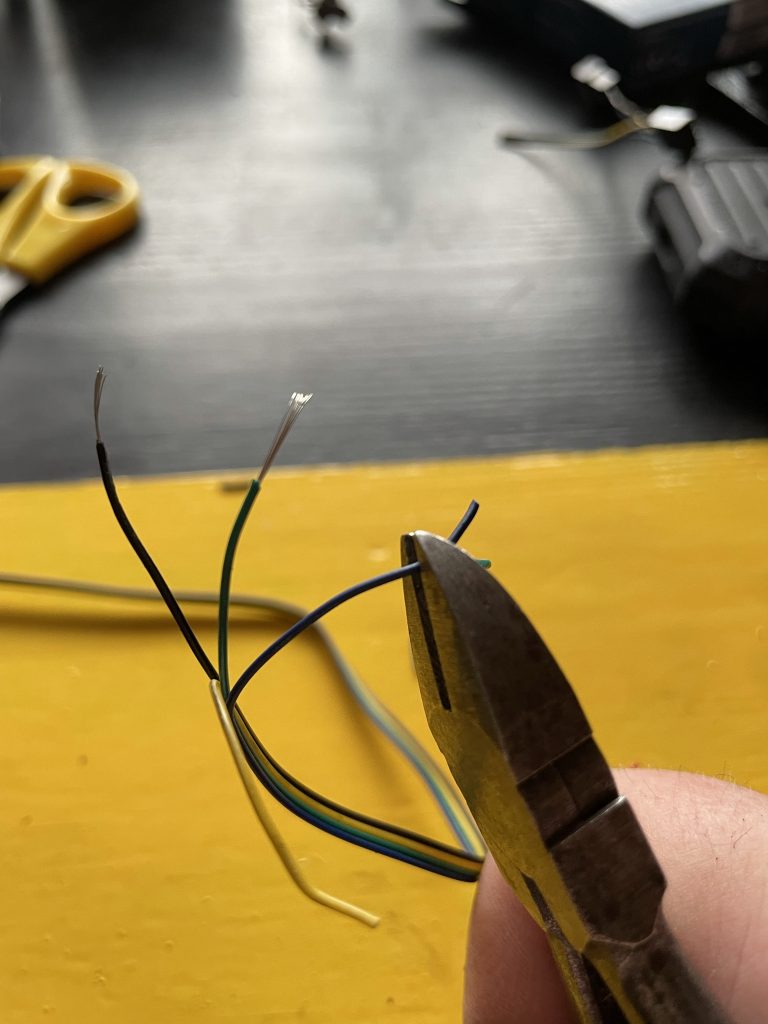
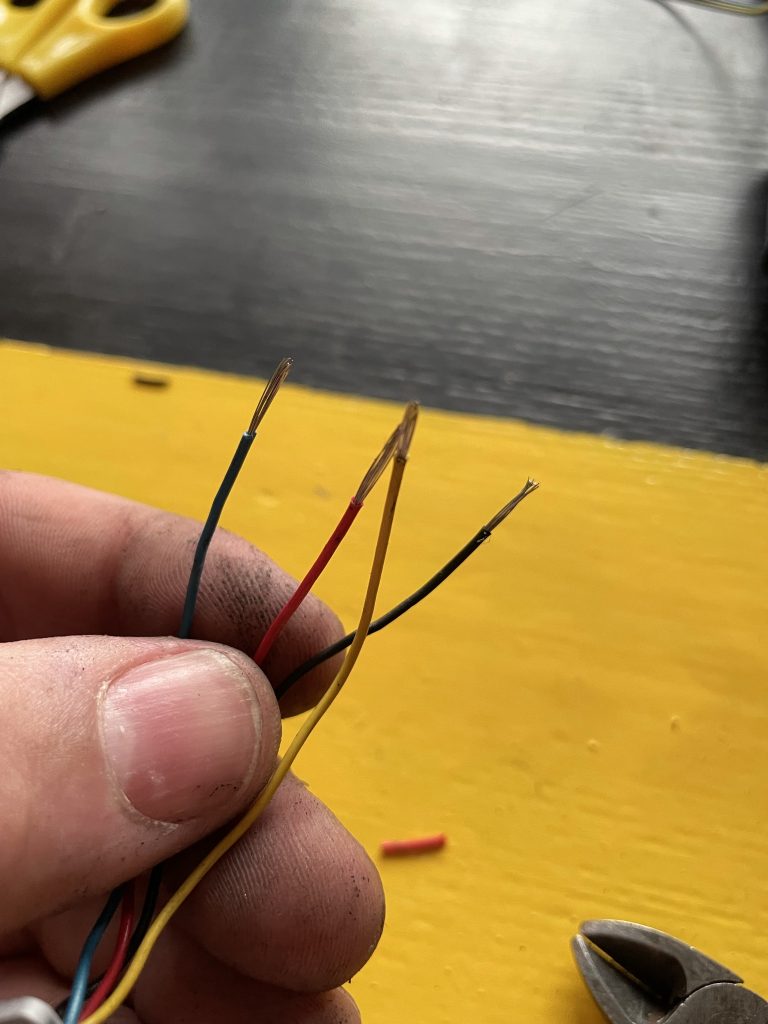
Then i “peeled” them with my pliers.
First i color matched the cables. THIS IS WRONG. And i needed to redo the welding. Follow the chart below. I got the information from these sites: https://nerdtechy.com/best-pwm-fan-controlle and https://imgur.com/a/AEbcz
| Dell Fan | Arctic Fan | Function |
| Red | Yellow | 12V |
| Black | Black | Ground |
| Blue | Blue | PWD Control signal |
| Yellow | Green | PWD Output status signal |
After some re-soldering the fans worked. Thankfully!
But i hade another problem. Every like 5-7 seconds the PSU fans spun up and run for 5-10 seconds and then stopped. To be spun up again after 5-7 seconds. This was much more annoying than a constant high sound that was constant. But the solution after a lot of googling (as stated in the beginning of the article) is to remove the blue cable. As stated here:
Removed the “blue” cable as for the Reddit post (link, thanks Internet!) : https://www.reddit.com/r/homelab/comments/59mp41/dell_poweredge_t610_fans/
Before i removed the blue cable i got alot of fan errors in iDrac. Both status on the probes and redundancy.
The system event log got filled up with the fan errors.
But all this was resolved by removing the blue cable.
My solution is a “dirty” one. I used my pliers to cut a piece of the blue wire. A better solution is to ignore it in the soldering phase.
I have run the server a couple of weeks now in the swedish summer (several days with outside temperatures up to +35 degrees celcius. And the server is cool and silent. (never over 30 degrees celcius)